Intro
Introduction to using the San Matteo Data Analytics School Funding Management System.
Getting Started
To get started, Navigate to https://schools.sanmatteodata.org/
Home Page
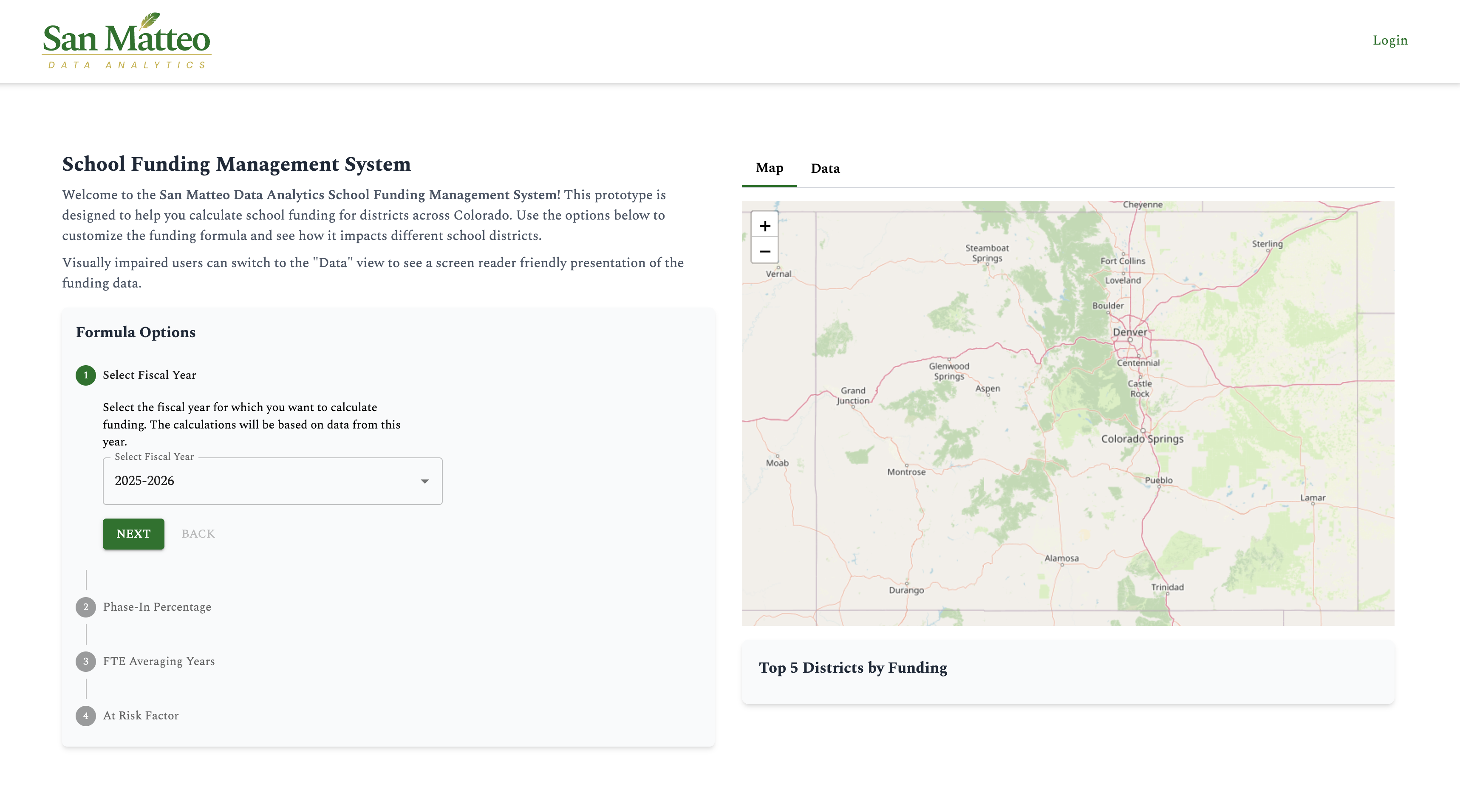
On the home page of the School Funding Management System you will find our public facing funding calculator as well as a login button.
Logging in
To log in, simply click "Login" in the top navigation bar. This will navigate you to the login page.
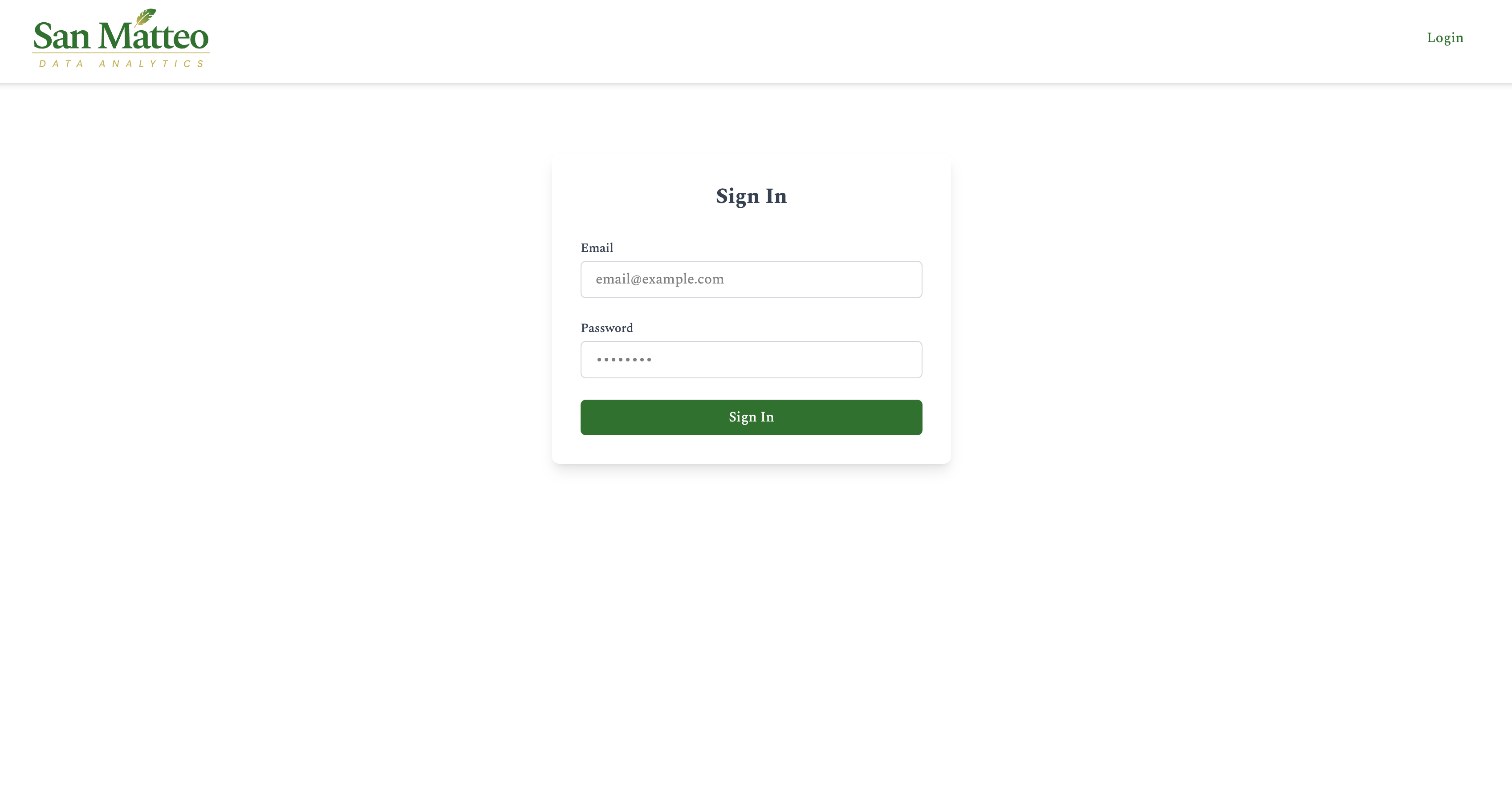
From here, enter your username and password. For our prototype, the following example users and user roles are listed below. Pick a user to test the associated functionalities.
- Admin User
- User Name: to do
- Password: to do
- CDE User
- User Name: to do
- Password: to do
- District user
- User Name: to do
- Password: to do
- Audit user
- User Name: to do
- Password: to do
Public Facing Funding Calculator
This calculator is intended for public use for visualizing hypothetical changes to the Colorado School funding formula.
Fiscal Year
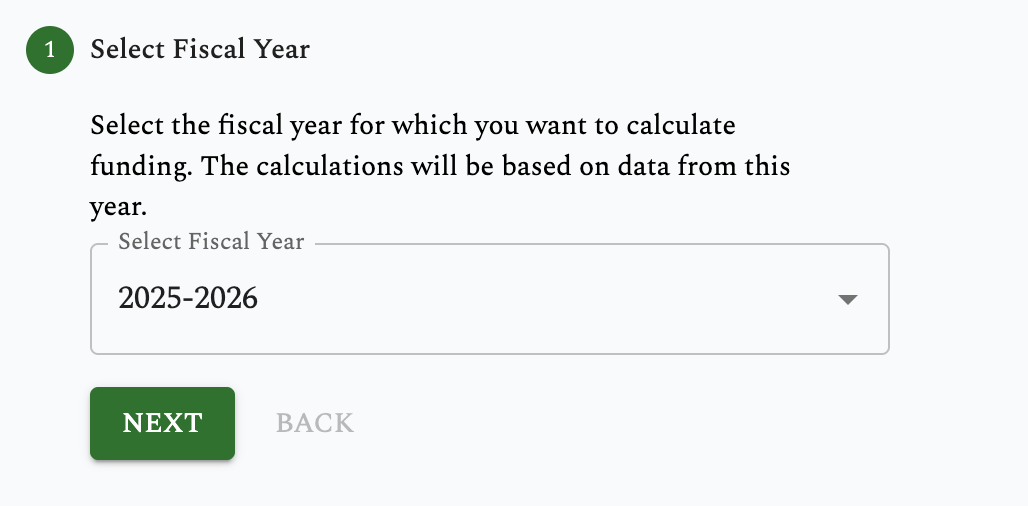
The first variable in the calculator is "Fiscal Year". Currently there is only one year available, though there will be more in the future. Select the fiscal year and then select "Next"
Phase in percentage
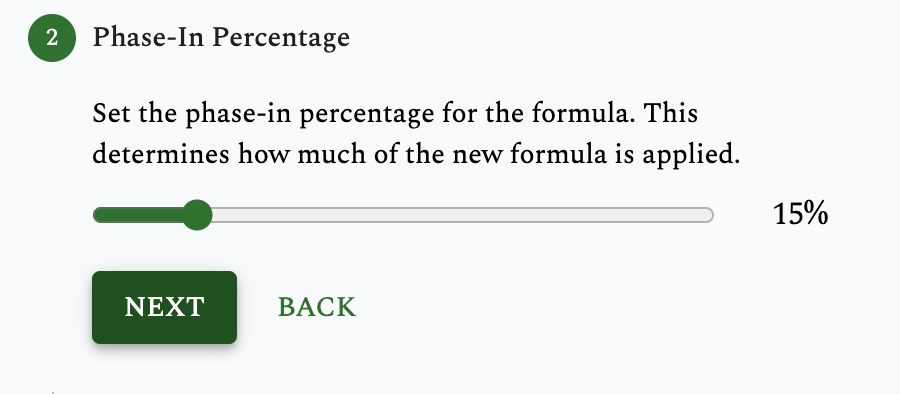
The second variable is “Phase in percentage”. This variable determines how much of the new funding formula vs the old formula is used. 100% would mean entirely using the new formula and 0% is entirely the old. Adjust this variable on the slider and select "Next"
Full Time Enrollment Averaging Years
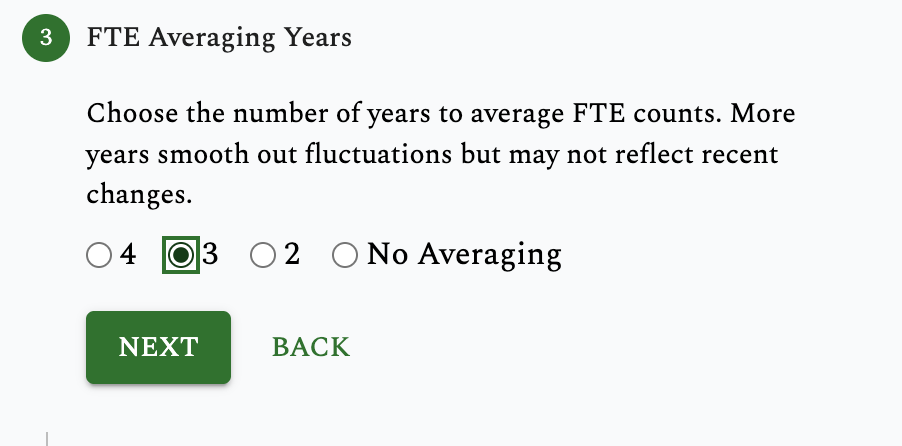
The third variable is "FTE Averaging Years". To do explain here
At Risk Factor
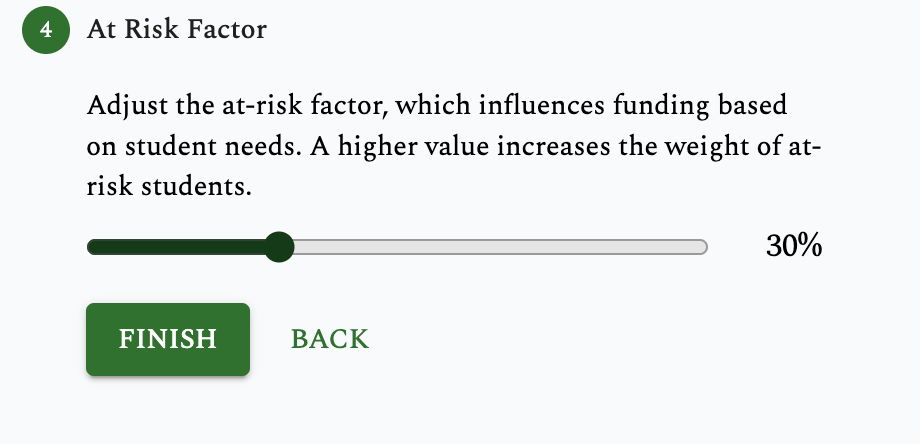
The final variable is "At Risk Factor" To do explain here. Click "Finish" and wait for the calculations to run.
Results
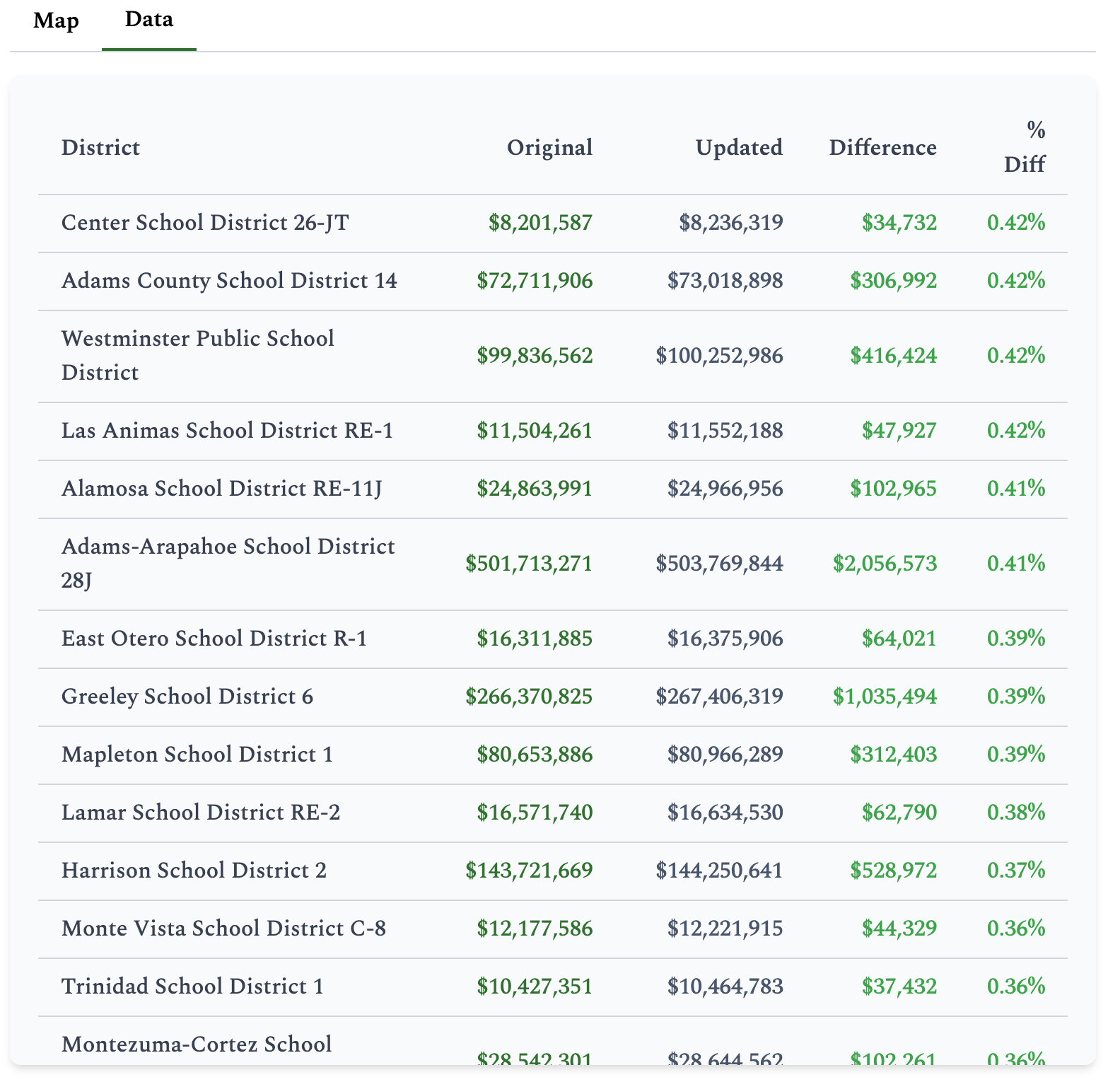
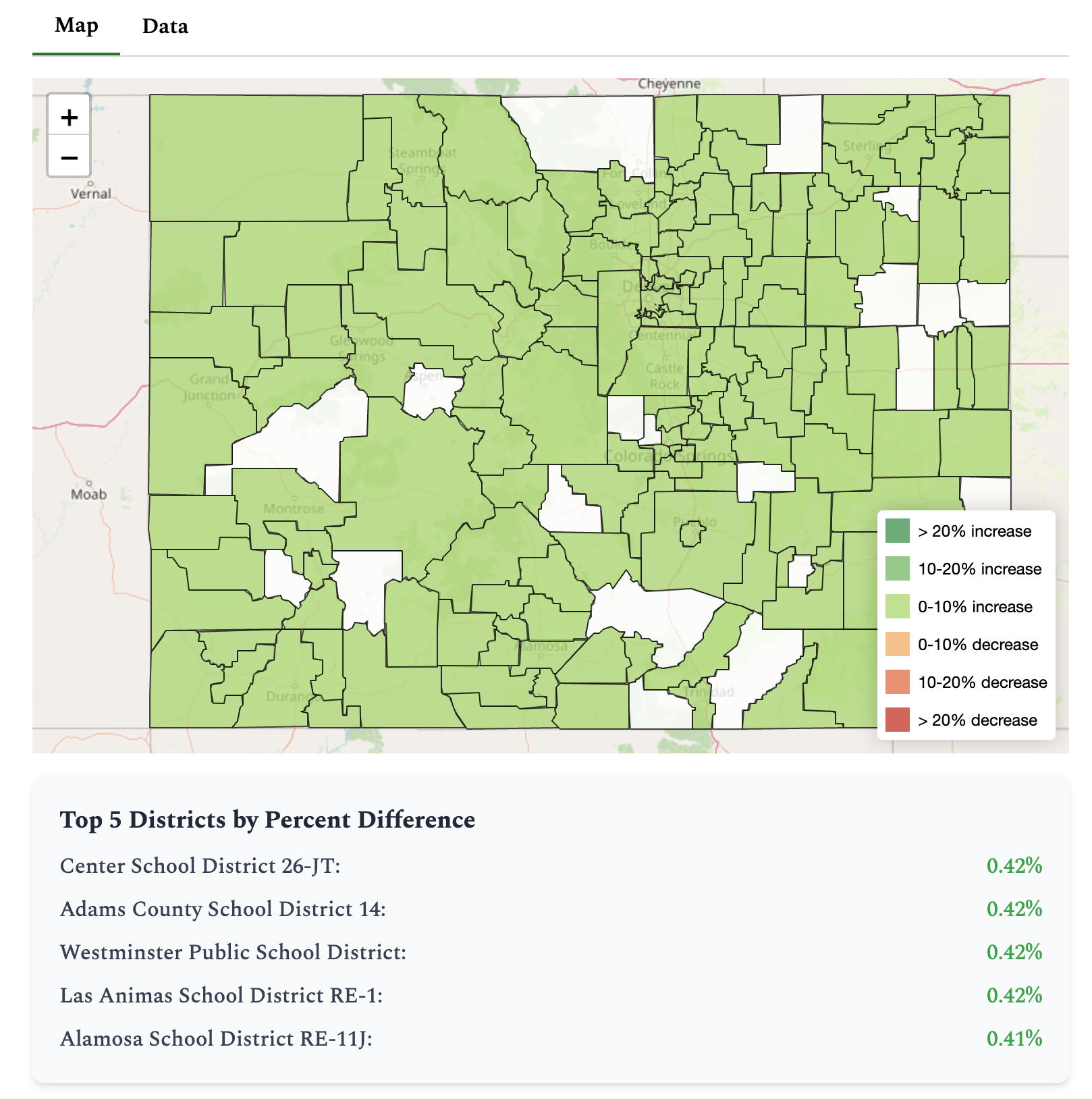
Once the calculations run, the results will display on an interactive map as well as an accessible data table.
Map
Table